Language version 0.1
A programming language for laser cutting.
Describe a part in a few lines of code. KerfScript puts it on cut, score and engrave layers, offsets it for the width of the beam, and lays the pieces out on your sheet. Change a number and you have a new cut file.
Open the playground Browse the models
No code needed to start: pick a model and move the sliders. If you have written OpenSCAD, you can already read the code.
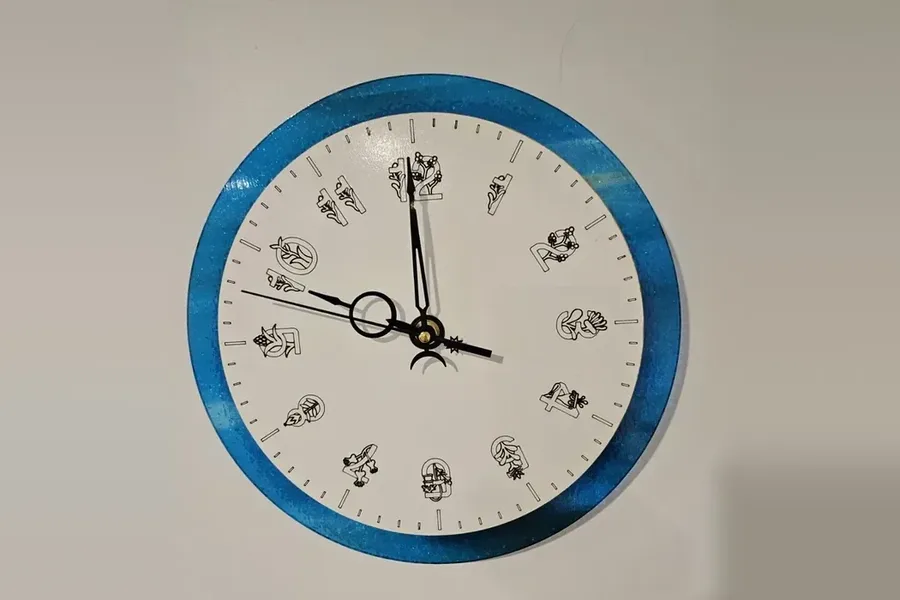
// A clock face: cut outline, scored minute marks, engraved hours.

size = 150; // [100:5:300]
marks = 60; // [12:12:120]
hole = 8; // [5:0.5:12]

r = size / 2;
difference() {
  circle(r = r, $fn = 180);
  circle(d = hole);
}
score() for (i = [0:marks - 1]) {
  long = i % (marks / 12) == 0;
  rotate(i * 360 / marks) line([r - (long ? 12 : 7), 0], [r - 4, 0]);
}
engrave() for (h = [1:12])
  rotate(90 - h * 30) translate([r - 22, 0]) rotate(h * 30 - 90)
    text(str(h), r / 7, halign = "center", valign = "center");
Make something without writing code
-
Choose a model
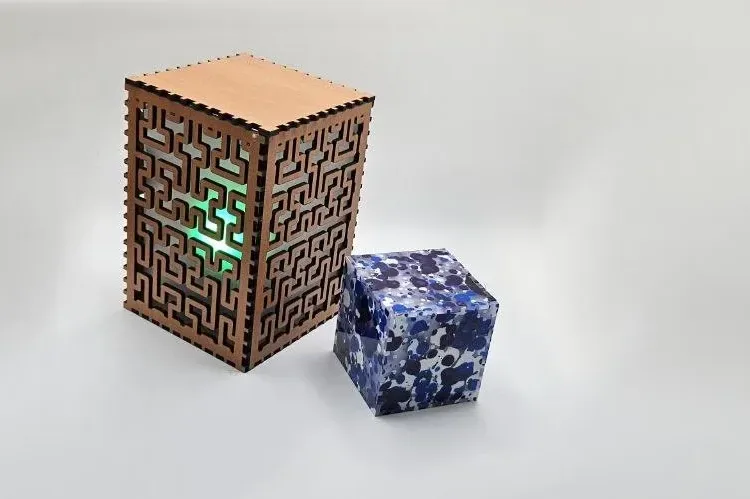
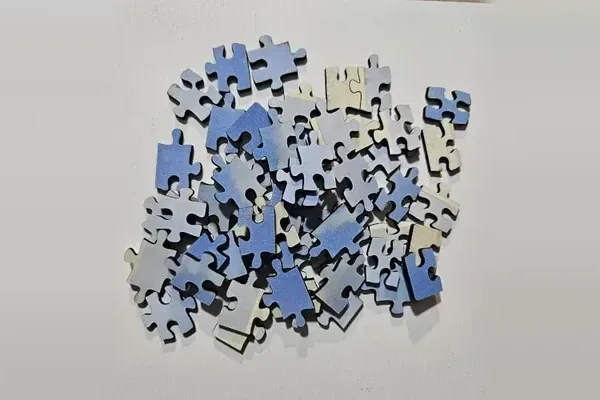
Pick one from the models: a box, a sign, a clock face, a puzzle, a test piece for your laser.
-
Change its settings
Open it in the playground and move the sliders: size, material thickness, kerf, text. The code changes as you go, so you can read along when you are curious.
-
Download the cut file
SVG or DXF, with cut, score and engrave on separate layers. Read the notes for your laser software before you cut.
Cut on a real laser
What the language knows about lasers
- Layers
-
engrave() text("Oak", 12);Anything inside
engrave(),score()orcut()lands on that machine layer. Engraving is clipped to the material, so nothing gets marked over a hole. - Kerf
-
$kerf = 0.15;Cuts are offset by half the beam width when the file is written. Parts come out the size you typed, and holes stay the size of the bolt.
- Parts and sheets
-
part("lid", qty = 2) lid();Name the pieces and say how many. KerfScript packs them onto sheets by material and thickness, and turns a part 90° when that makes it fit.
- Joinery
-
finger_rect([120, 50], "out");Finger joints, slots, T-slots and living hinges read
$thickness. A box drawn for 3 mm plywood still closes when you switch to 6 mm. - Settings
-
width = 120; // [40:5:400]A comment after a variable turns it into a slider or a menu. It is OpenSCAD's customizer format, so tools that read those settings read these.
- Output
-
kerf render box.kerf -o box.svgSVG in millimetres with one layer per operation, and DXF R12 for CAD. Holes and inner cuts come before outer outlines.
Made with KerfScript
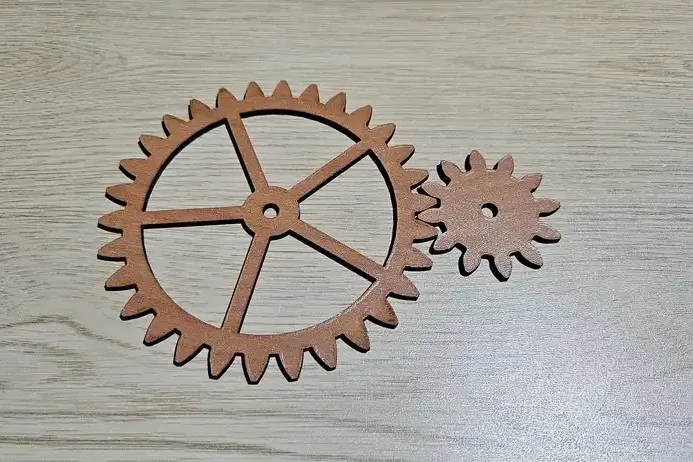
All 14 modelsSpur gear pair
A pair of spur gears with involute teeth, cut from one sheet.
Finger-jointed box
Finger-jointed box with a lid.
Jigsaw puzzle
A jigsaw puzzle. Every edge between two pieces gets a knob that points one way or the other, picked by the seed.
Snowflake ornament
A six-armed snowflake ornament. Each arm is one branch, repeated.
Slot-together phone stand
A phone stand from three parts that slot together without glue. The slots follow the sheet thickness, so changing it keeps the fit.
Sunflower lamp panel
A lamp panel with holes on a sunflower spiral. Every hole sits at the golden angle from the one before, which packs them evenly.
OpenSCAD syntax, laser output
Modules, functions, for loops, list comprehensions, children() and
$ variables work the way OpenSCAD users expect. The difference is what comes out:
OpenSCAD makes a solid, KerfScript makes a cut file with the right layers in the right order.
There is no 3D in KerfScript, and OpenSCAD files do not run unchanged. Everything it has is for flat parts, which keeps programs short. What is the same and what is not
use <kerf/box>

$thickness = 3;
$kerf = 0.15;

box([120, 80, 50], lid = true);
Where it runs
In the browser
The playground runs the real interpreter in your browser. Your code is not uploaded anywhere.
On MyLaserTools
Write a generator in the MyLaserTools Studio, publish it, and anyone can change its settings and download the cut file.
On your computer
The kerf command renders files to SVG or DXF. Settings can be changed with
-D width=200.
It ships on npm with the first public release.
kerf render box.kerf -o box.svgFree software, with your designs kept yours
The interpreter is licensed under the GNU AGPL 3.0. The programs you write and the files they produce belong to you, under any licence you choose, including selling them. Companies that want KerfScript inside a closed product can get a commercial licence from MyLaserTools. How the licence works